
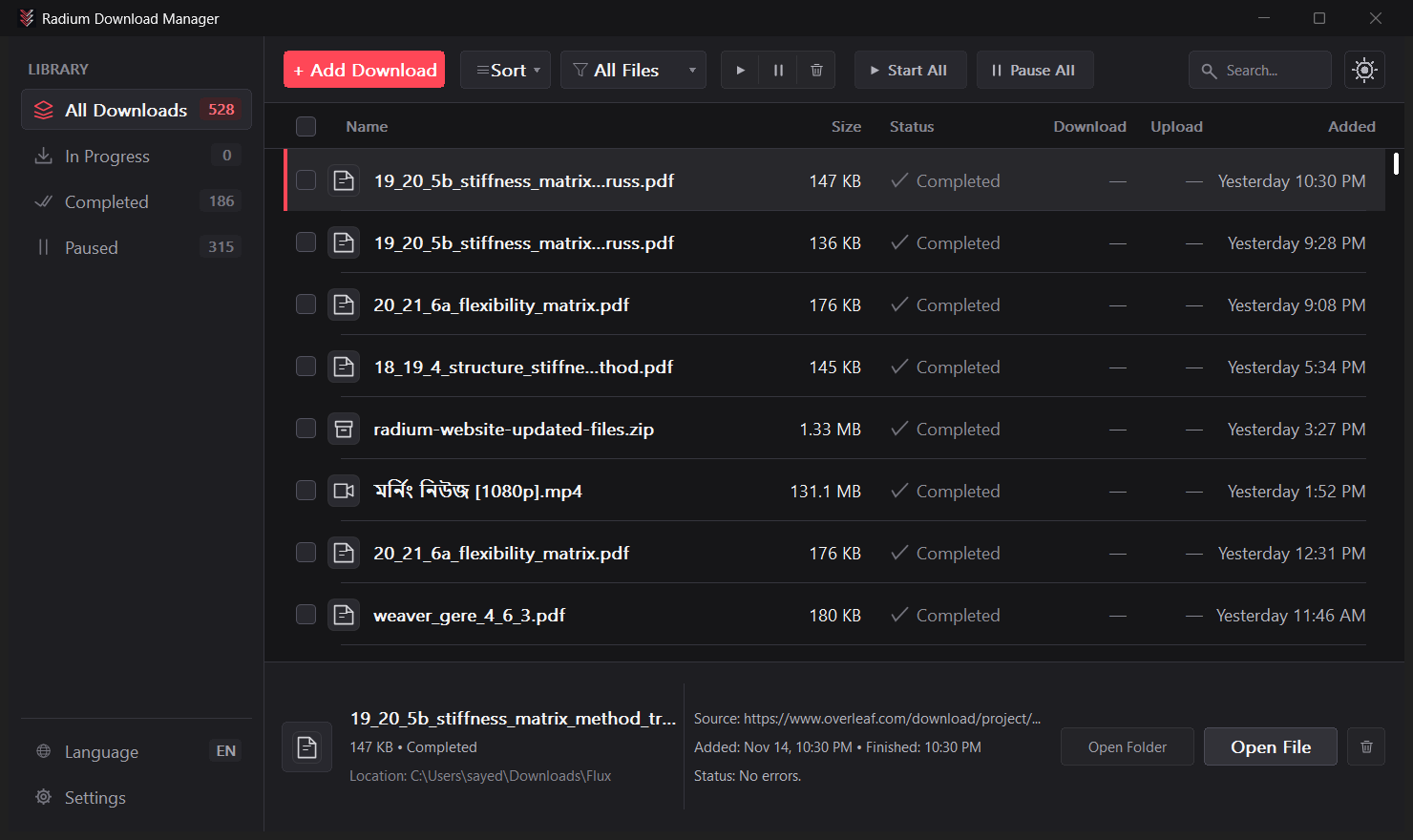
If you are tired of browser downloads failing halfway through or paying for a license just to get decent speeds, Radium Download Manager is easily the best IDM alternative I have used on Windows. Hosted on the official Radium Download Manager GitHub repository, it is a free, open-source download manager for Windows 11 and Windows 10 that feels fast, modern, and completely free of ads or nag screens.
After using it as my daily downloader, what stands out most is how lightweight it stays. It launches almost instantly, uses around 20 MB of memory during heavy transfers, and packs a multi-connection download accelerator, browser video downloader, and built-in BitTorrent client into one clean app.
1. Fast Multi-Connection Downloads That Don't Stall at 99%
Just like Internet Download Manager, Radium speeds up large files by splitting them across up to 32 connections at once (8 by default). Before a download even starts, the New Download window checks the real filename, confirms the file size, and verifies that your drive actually has enough free space.
The feature you notice most in everyday use is how it handles slow servers. With many downloaders, one sluggish connection holds up the last few percent while the rest sit idle. Radium automatically lets faster connections pick up the remaining work from slower ones, so large ISOs and game patches finish cleanly without hanging.
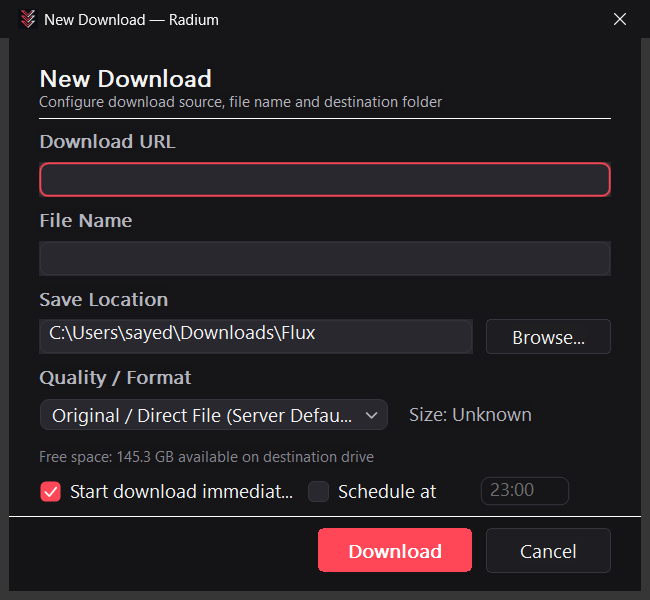
In side-by-side 500 MB live transfer tests against IDM 6.43.15 on a Singapore test mirror, Radium wasn't just competitive—it was faster and dramatically lighter on memory:
| 500 MB Live Transfer Test | Radium | IDM 6.43.15 |
|---|---|---|
| Average Completion Time | 162.42 s (17.69% faster) | 197.34 s |
| Average Speed | 3.14 MB/s | 2.57 MB/s |
| Peak Memory Usage | 20.4–20.5 MB | 53.8–122.2 MB |
Of course, real-world speeds always depend on your internet connection and the server you are downloading from, but keeping memory around 20 MB while IDM climbs past 50–120 MB makes a noticeable difference on laptops.
2. Capture Web Videos Directly From Your Browser
Radium comes with a lightweight extension for Chrome, Brave, Edge, and Firefox. Besides catching normal file downloads, it automatically detects MP4, WebM, and streaming HLS/DASH videos playing on a page and lets you pick the quality you want (Best, Video Only, or Audio Only) before saving them as clean MP4 or MKV files.
Unlike older download managers that open a local port on your PC—which any website could potentially poke at—Radium talks securely to your browser through Windows Native Messaging. Keep in mind that DRM-protected streams (like paid streaming services) are not supported.
3. Built-In BitTorrent With Selective File Picking
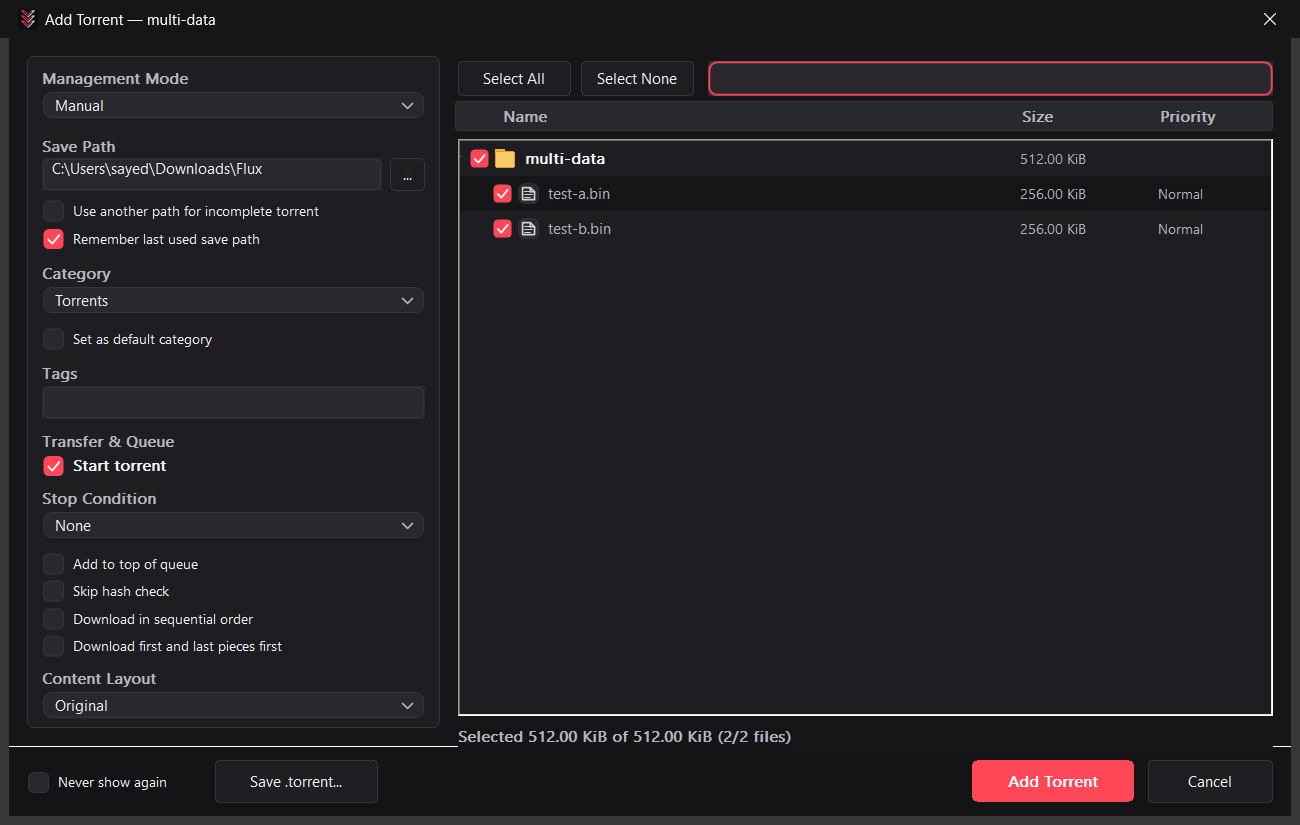
If you only download torrents occasionally, Radium saves you from installing a separate torrent app. You can open .torrent files or magnet links directly, preview the full folder list inside the torrent, and uncheck any files you do not want before starting.
4. Everyday Features That Make It Easy to Live With
Beyond raw speed, Radium includes the small quality-of-life features that make a download manager genuinely useful day to day:
- Queue Scheduler & Auto-Shutdown: Set downloads to start overnight and have your PC automatically sleep or shut down once the queue finishes.
- Speed Limiter: Cap total download bandwidth in one click so you can still take video calls or game without lag.
- Automatic Folder Sorting: Videos, music, documents, and installers are routed into their own folders automatically based on file type or website rules.
- Built-In Defender Scan & Site Grabber: Optionally run Windows Defender on finished files, or use the Site Grabber to pull linked files from a webpage without clicking them one by one.
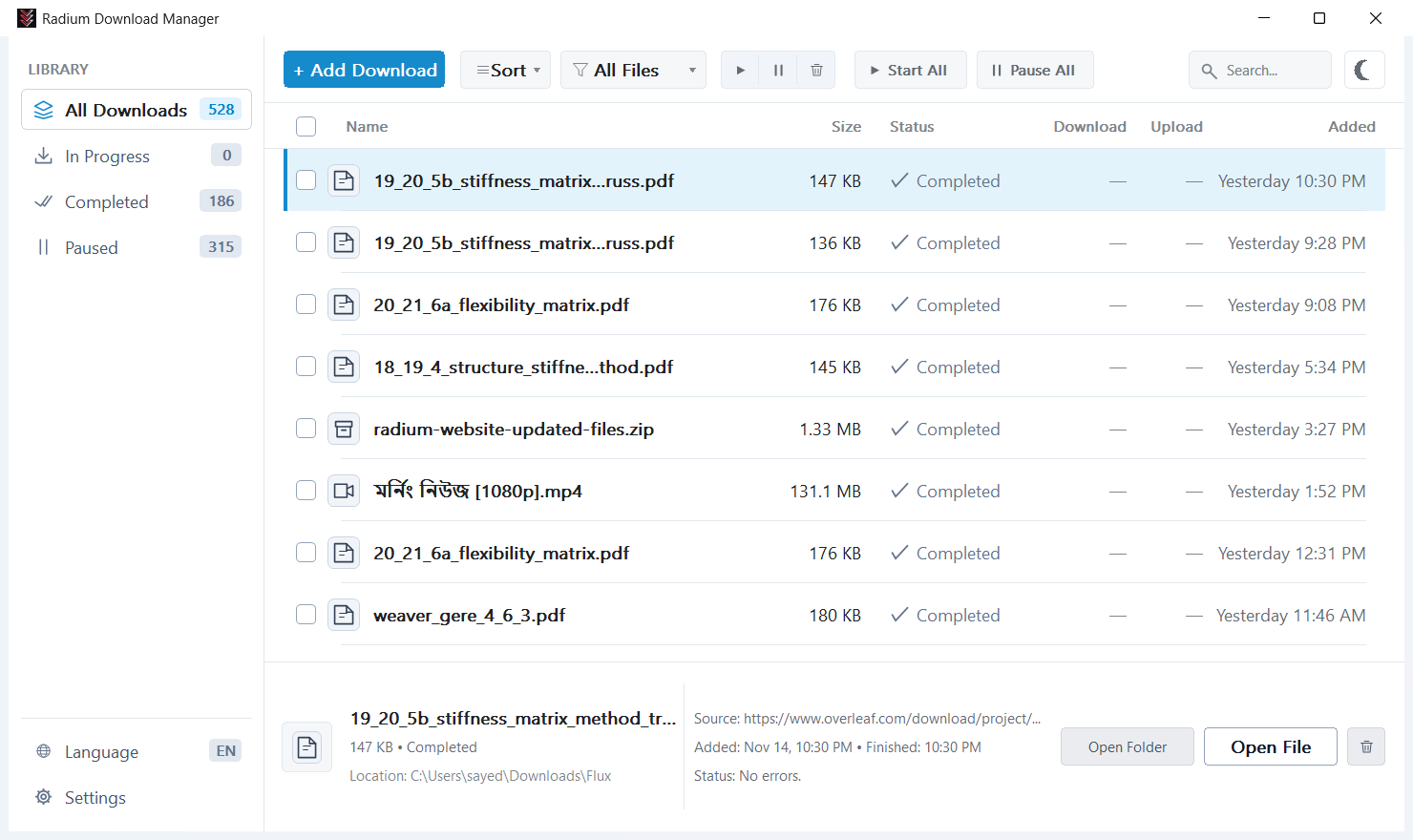
- Native Dark & Light Themes: Matches your Windows 11 or Windows 10 theme automatically, with an instant toggle on the toolbar and 24 built-in languages.
How to Download and Try Radium
Radium v1.0.0 is available for free in both installer and portable editions for Windows x64 and ARM64. Grab the Standard Installer (or Portable Full ZIP) if you want video stream downloading included out of the box.
Quick tip for the browser extension: Since the extension isn't in the Chrome Web Store or Firefox Add-ons yet, it isn't bundled in the installer. Download the extension folder from GitHub, then load it via Developer mode → Load unpacked in Chrome/Brave/Edge (chrome://extensions) or Load Temporary Add-on in Firefox (about:debugging).
If you want to explore the project, check release notes, or follow updates, visit the Radium Download Manager GitHub repository.
